|
|
Tutoriales PSP: Tutorial 21
Choisir un autre rubrique de messages |
|
Réponse |
Message 1 de 16 de ce thème |
|
| De: rebe481 (message original) |
Envoyé: 06/02/2010 16:28 |
|
Materiales
http://www.4shared.com/file/216299694/ba9b3220/love.html
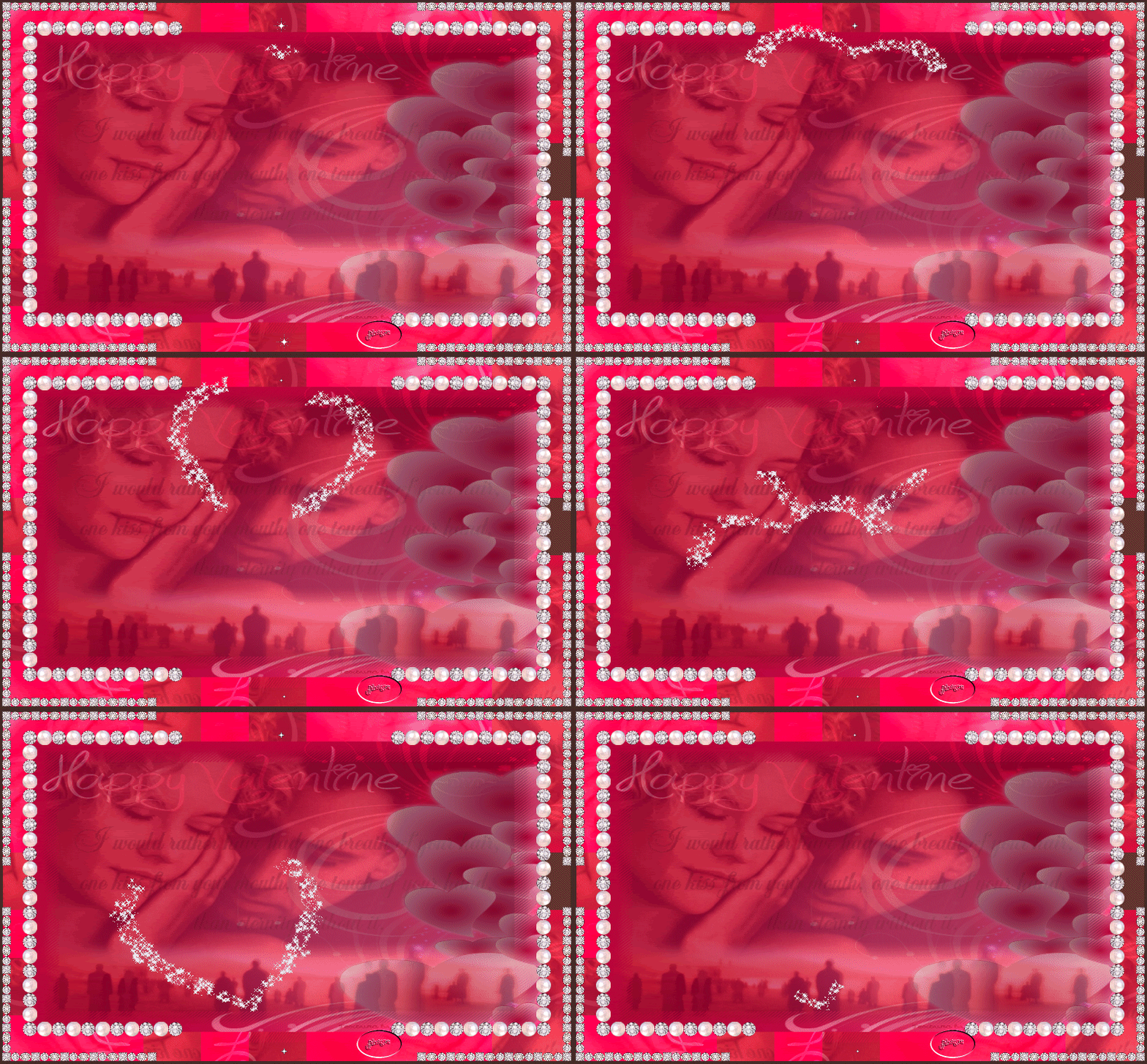
Amiguitas aqui un nuevo tutorial elegante romantico lleno de amor
muy muyyyyyyy sencillito de hacer
comenzamos
abrir un paño de 700 x 400 seleccionamos todo ,copiamos y pegamos el papel en la selecciòn
capa nueva capa de despliegue copiamos y pegamos la imagen en la selecciòn, bajamos opacidad a 50
selecciòn quitar
imagen agregar bordes 40 px color negro ,clik con la varita màgica en el borde negro
apicamos efecto FunHouse - Perverse 124- 124 - 34
imagen agregar bordes 4px color negro
decorar con el corner
agregar brillitos y detallitos a nuestro gusto
tutorial redactado por Sol
exclusivamente para gabito grupos
| | | | | | | | | | |
|
|
|
|
 Premier
Précédent
2 à 16 de 16
Suivant
Premier
Précédent
2 à 16 de 16
Suivant
 Dernier
|
|
Réponse |
Message 2 de 16 de ce thème |
|
amiga lindo reto mira como no tengo la opcion de funthourse - perverse la hice de esta forma espero me disculpes grrrrrr
|
|
|
|
Réponse |
Message 3 de 16 de ce thème |
|
|
De: MBONITA |
Envoyé: 06/02/2010 19:55 |
PRECIOSO TUTO AMIGA ME ENCANTO
AQUI DEJO MI TAREA
GRACIAS MIL
FELIZ FIN DE SEMANA
BESOS |
|
|
|
Réponse |
Message 4 de 16 de ce thème |
|
|
|
|
Réponse |
Message 5 de 16 de ce thème |
|
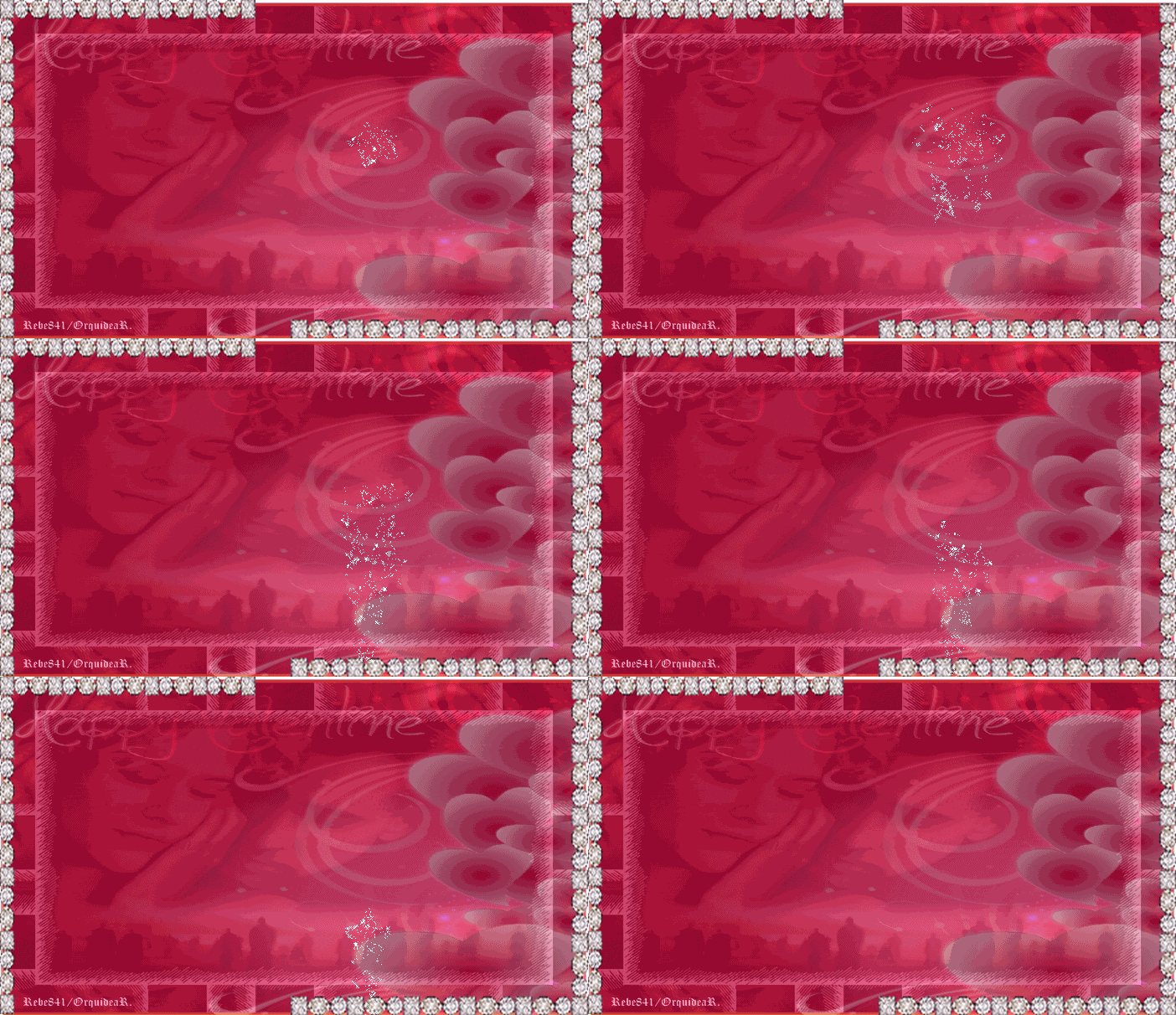
Aqui este trabajo de hoy...batalle un poco, pero espero haber logrado algo...Los brillos no son mi fuerte
|
|
|
|
Réponse |
Message 6 de 16 de ce thème |
|
|
De: BELINDA |
Envoyé: 07/02/2010 01:13 |
CARIÑO AQUI ESTA MI TUTO NO PUSE EL EFECTO FUNHOUSE PORQUE NO LO TENGO O NO SE CUAL ES MUCHAS GRACIAS BESITOS 
|
|
|
|
Réponse |
Message 7 de 16 de ce thème |
|
|
De: Almar |
Envoyé: 07/02/2010 15:37 |
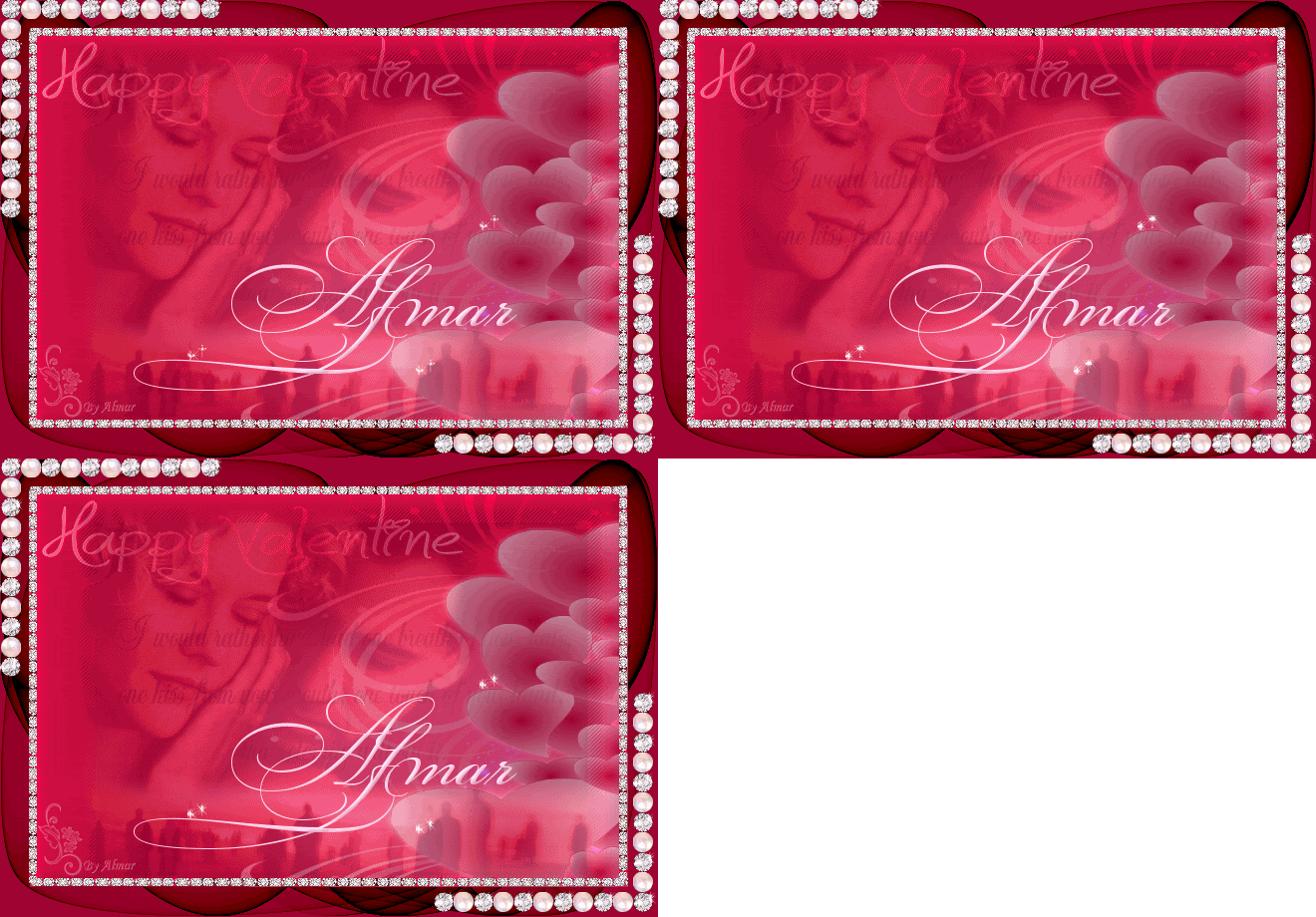
Gracias Rebe 
Precioso Tutorial, el efecto FunHouse no le tengo, pero aqui
dejo mi trabajo, me encanto hacerle.
Besitos.
|
|
|
|
Réponse |
Message 8 de 16 de ce thème |
|
|
De: Alondr@ |
Envoyé: 07/02/2010 17:00 |
Rebe aquí mi práctica.
Lindo tutorial.
Un beso.
|
|
|
|
Réponse |
Message 9 de 16 de ce thème |
|
Rebe me ha gustado tanto el material como me gusto la pelicula cuando la vi, Gracias!!! aqui dejo mi composicion
|
|
|
|
Réponse |
Message 10 de 16 de ce thème |
|
|
De: Mary44 |
Envoyé: 08/02/2010 08:16 |
Rebe ! precioso gracias guapa .
|
|
|
|
Réponse |
Message 11 de 16 de ce thème |
|
Lindo tuto Rebe, muchas
Gracias por compartir.
Mil besitos!!!!
|
|
|
|
Réponse |
Message 12 de 16 de ce thème |
|
|
De: Marga |
Envoyé: 10/02/2010 13:14 |
| Sol tenia el efecto le coloque otro, y no podian faltar los brillos...
bellisimo tuto como llore con esta pelicula.... me encanto....
besos
|
|
|
|
Réponse |
Message 13 de 16 de ce thème |
|
Aqui mi trabajo tampoco tenia el efecto
|
|
|
|
Réponse |
Message 14 de 16 de ce thème |
|
bello y sencillo tuto, me encantó!!!
muchas gracias
Marga, q lindo efecto q pusiste en el borde, podrías compartirlo????
|
|
|
|
Réponse |
Message 15 de 16 de ce thème |
|
|
De: Marga |
Envoyé: 14/02/2010 14:24 |
| hola Carmen Rosa viendo si habia hecho o no este tuto, vi tu pregunta
el efecto que aplique es
unlimited 2.0
lens effects intensidad 66
no me acordaba cual de todos los que probe habia usado..
besos Marga |
|
|
|
Réponse |
Message 16 de 16 de ce thème |
|
|
|
Premier
Précédent
2 a 16 de 16
Suivant
Dernier
|



 Thème précédent